New service request
Capture the requested service, property location, timing, and contact information.
AI receptionist for home services
Quest Works configures an AI receptionist to capture the service need, property address, stated urgency, preferred timing, and next step while your crew is driving, on-site, helping another customer, or off-hours.
The useful outcome
Your office sees who called, what they need, where the property is, and what requires attention next.
The real call problem
Home-service calls are not interchangeable. A useful receptionist collects enough context for your business to separate routine requests, urgent caller-reported situations, and questions that need a person.
Capture the requested service, property location, timing, and contact information.
Record what the caller reports and follow the business's approved urgency and escalation rules.
Collect the job context needed for the office to determine the right next step.
Handle approved questions, collect a reschedule request, or route the caller for follow-up.
Capture the service need and preferred timing without promising availability.
Identify the customer and request, then send it to the team that can provide an accurate update.
Configured intake
The exact fields are configured for each business. Quest Works does not assume every contractor asks the same questions or follows the same call flow.
Caller name and callback number
Service address
Requested service or job type
The caller's description of the issue
Stated urgency
Preferred day or service window
New or existing customer status
Configured service-area information
Configured for the business
The intake should match your service area, job types, hours, and follow-up process.
That is the difference between taking a generic message and creating a service request your office can actually use.
Routing and escalation
Routine request
A maintenance request, estimate inquiry, or reschedule can become a structured summary, appointment request, or follow-up item.
Caller reports urgency
The receptionist can ask configured questions and route or notify according to the business's rules. It should not diagnose the problem or decide that a situation is technically safe.
Scheduling boundaries
Quest Works sets expectations around what the receptionist can complete and what still needs the office.
Capture the preferred day, time, service, and contact details.
Provide only the information the business has approved for the call flow.
Complete a booking only where the required scheduling workflow is configured.
Send the request to a person when booking or confirmation should remain human.
After the call
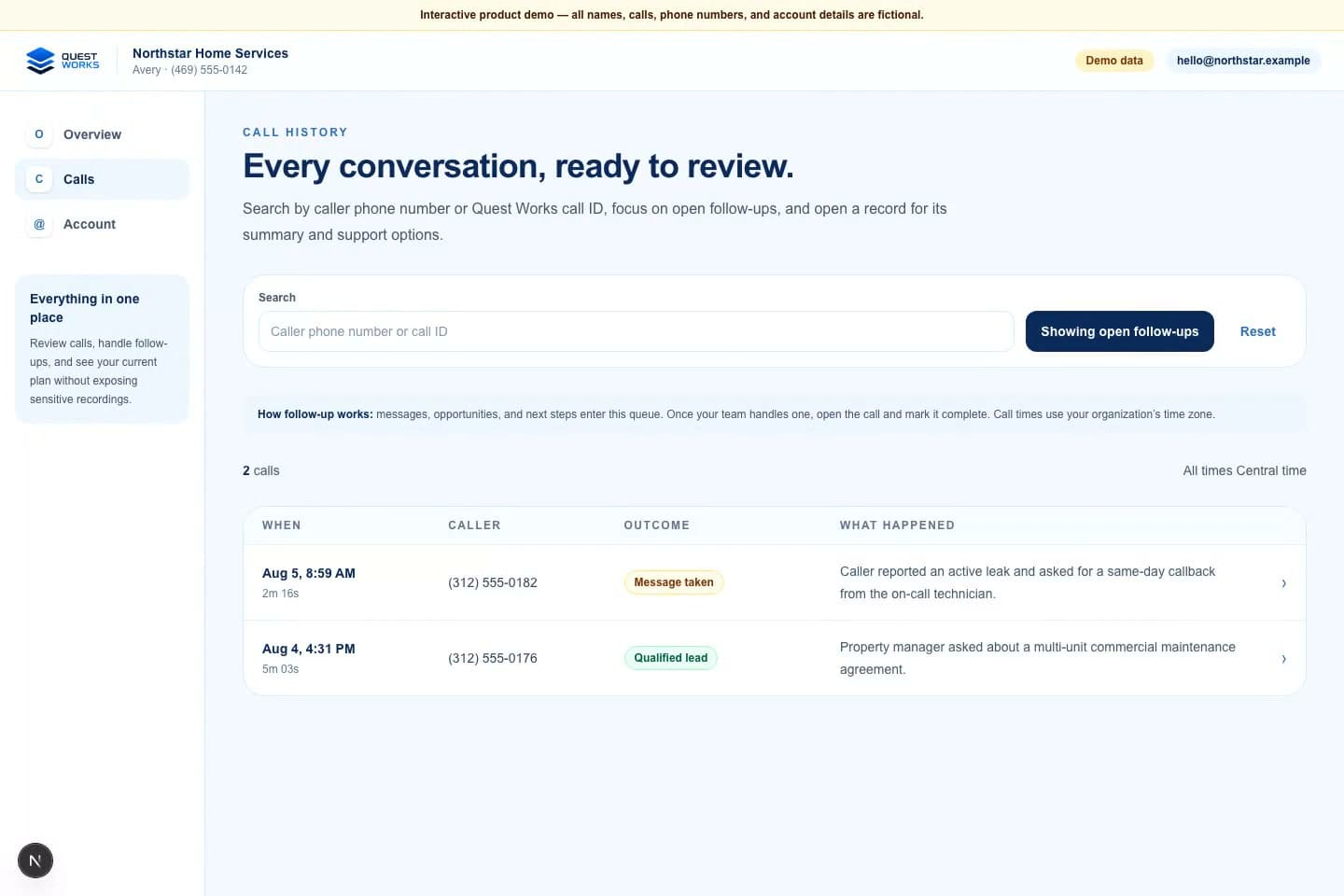
Quest Works is designed to make the call outcome useful after the caller hangs up. The team can review the summary, outcome, and open follow-up instead of starting with an unexplained voicemail.
The portal images use fictional demonstration data, not customer records or results.
Home-services demonstration
This privacy-safe demonstration shows the kind of intake and boundary behavior Quest Works can configure for a home-services business.
Demonstration call - not a customer recording
Listen to demo call
After-hours home-services AI receptionist demonstration
Issue description, stated urgency, contact details, service address, and escalation need.
It did not guess at pricing, repair instructions, technical diagnosis, or technician availability.
A concise call summary, outcome, and visible follow-up need.
A person follows the business's approved escalation or callback process.
Boundaries build trust
When the receptionist reaches an uncertainty or configured escalation condition, the right next step is the business's approved human workflow, not a confident-sounding invention.
Who this can support
Plumbing, HVAC, electrical, roofing, appliance service, landscaping, and other call-heavy home-service companies share a need for structured intake, but their questions and escalation rules should remain business-specific.
Common questions
It can ask approved questions and follow configured rules based on the caller's answers. It should not independently diagnose a technical emergency or decide whether a situation is safe.
Depending on the setup, it can collect an appointment request, provide approved availability information, support booking when the required workflow exists, or route the request for human follow-up.
Yes. The receptionist can answer after hours and follow the approved message-taking or escalation path configured for the business.
Yes. Service address and configured service-area questions can be part of the intake flow when the business needs them.
It should say that the team needs to confirm the answer, capture the caller's information, and create the appropriate follow-up or transfer step.
It supports repetitive call intake and after-hours coverage. People still handle technical judgment, exceptions, dispatch decisions, and follow-up that requires human context.
Map your call flow
Review your service questions, coverage area, scheduling boundaries, escalation rules, and after-call follow-up with Quest Works.